
How it works
Small places. Kind choices. Real progress.
KeepKindly turns decluttering into short, calm sessions you can stop any time. It records your choices; it never makes them for you.
1 · Start small
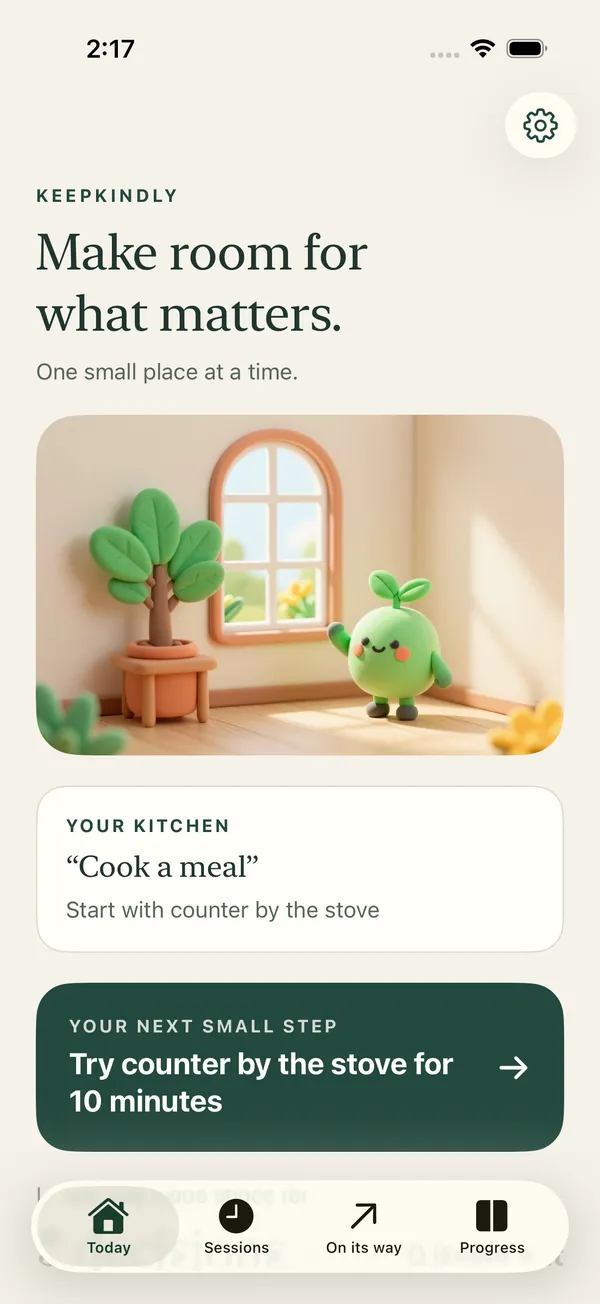
Choose one room, one picture of how it should feel, and one small place.
Say the kitchen, “Cook a meal,” and the counter by the stove. Today suggests where to pick up next time, so you never start from a blank page.
- Sessions of 5, 10, 15 or 20 minutes
- Pause, or stop whenever you like
- A daily reminder at a time you choose
2 · Decide
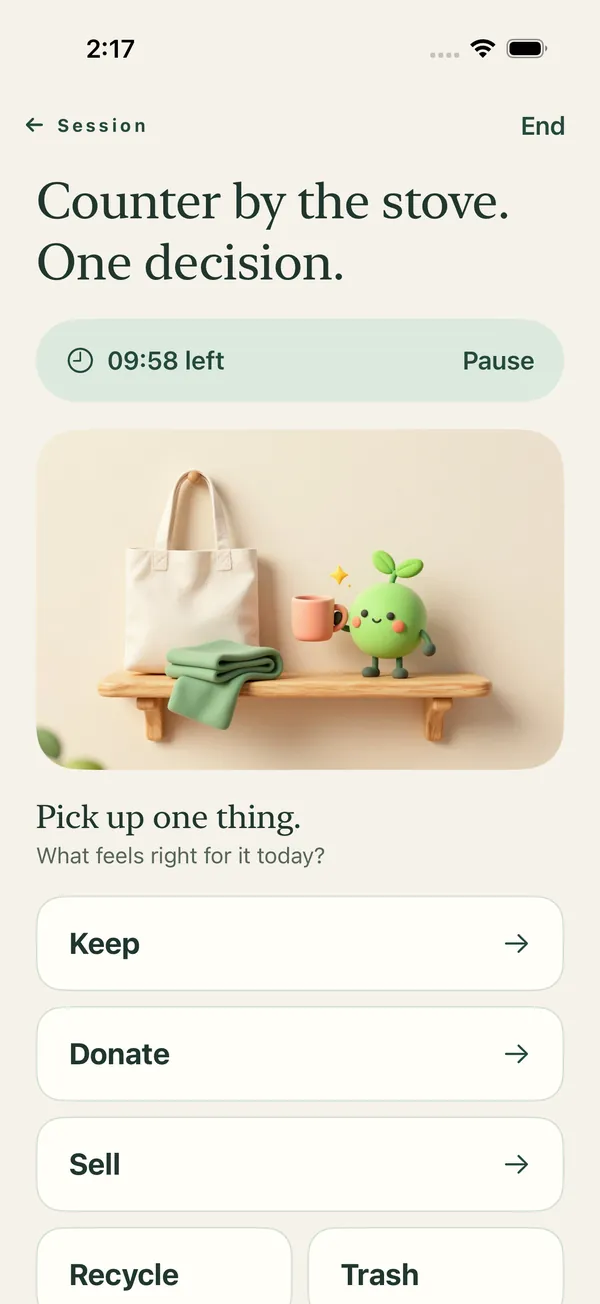
Pick up one thing. Choose what feels right today.
- Keep, and give it a home.
- Donate, straight into a donate bag.
- Sell, with a gentle check-in after 30 days.
- Recycle or trash, waiting until it actually goes out.
3 · Out the door
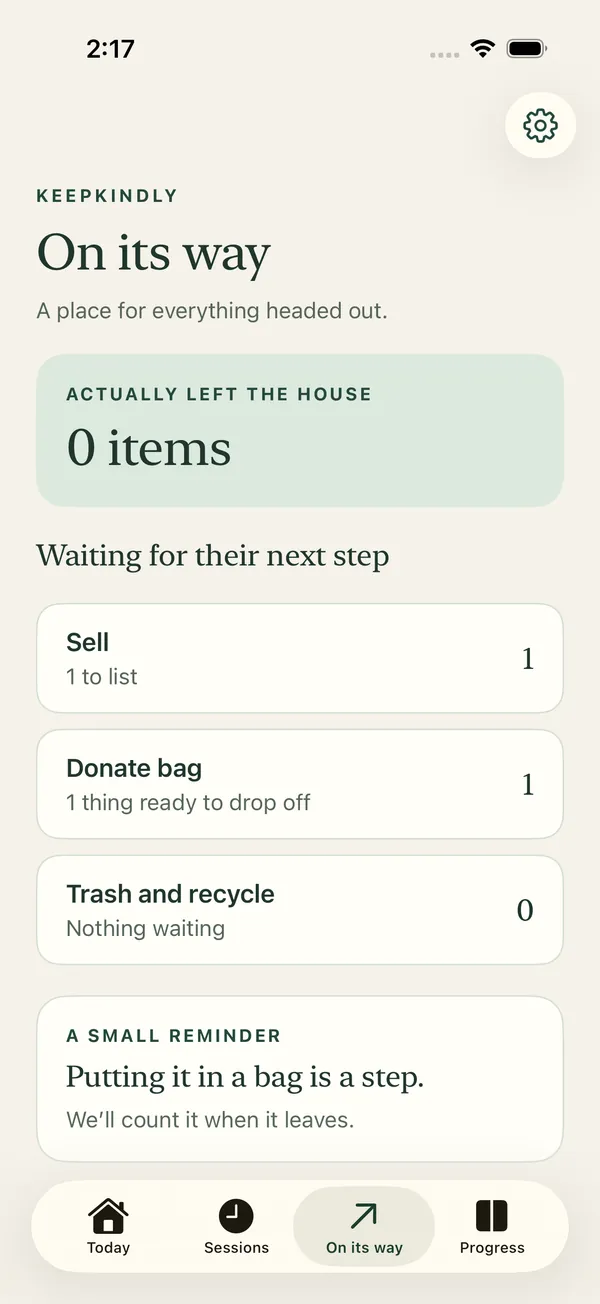
Progress counts when things leave.
Bags, listings and bins wait in On its way. Tap It went out when they are gone and Kip cheers with you.
4 · Before new things come in
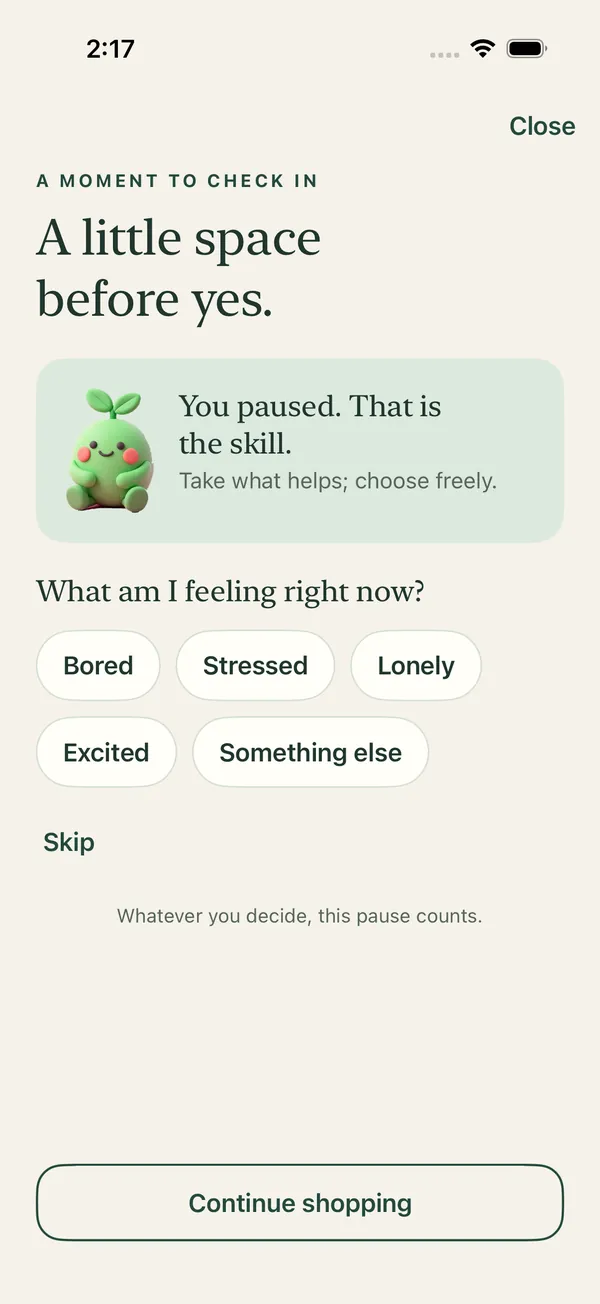
A pause, right where shopping happens.
- A pause screen for the shopping apps you pick, with Screen Time
- “Should I get this?” in the share sheet on any product page
- One press from the Action button or Control Center
- A 48 hour wait list for anything you still want
5 · See it change
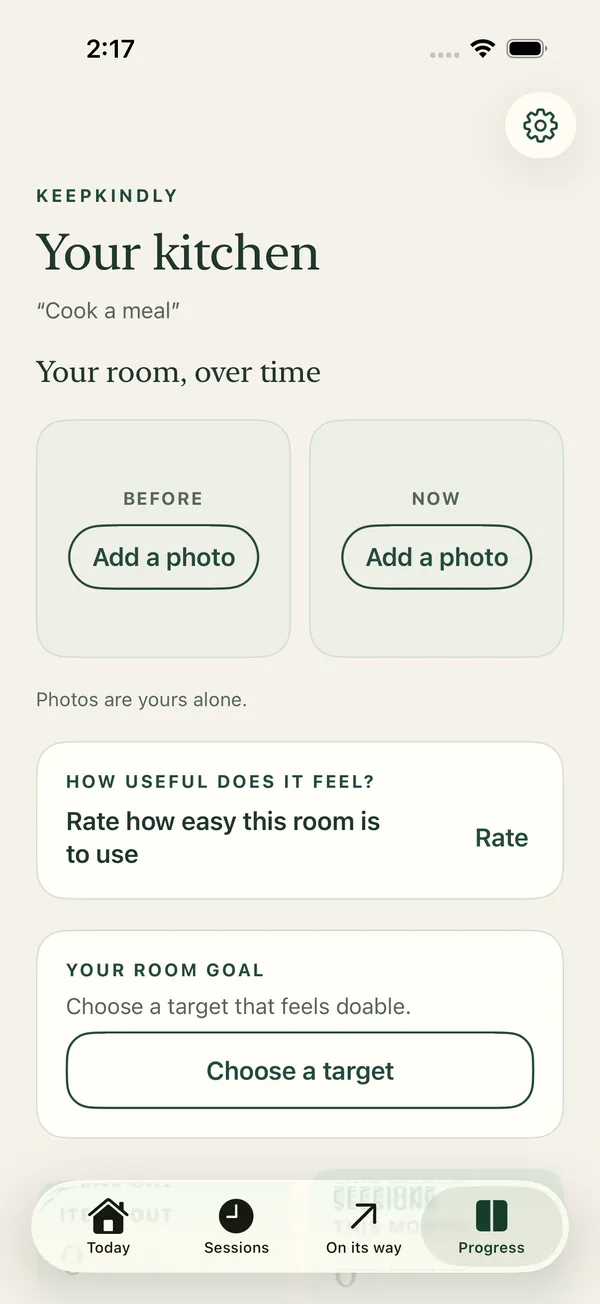
Before and after, in your own words.
Add a before and after photo of a room and rate how easy it feels to use. Photos are yours alone.

Start with one small place.
Be first to try KeepKindly on iPhone.
Coming soon to the App Store. One email when it’s ready. Privacy