Make room for what matters.
One small place at a time. Short sessions, one decision per item, and a kind pause before new things come in.
Start with one shelf and five minutes.
- 1
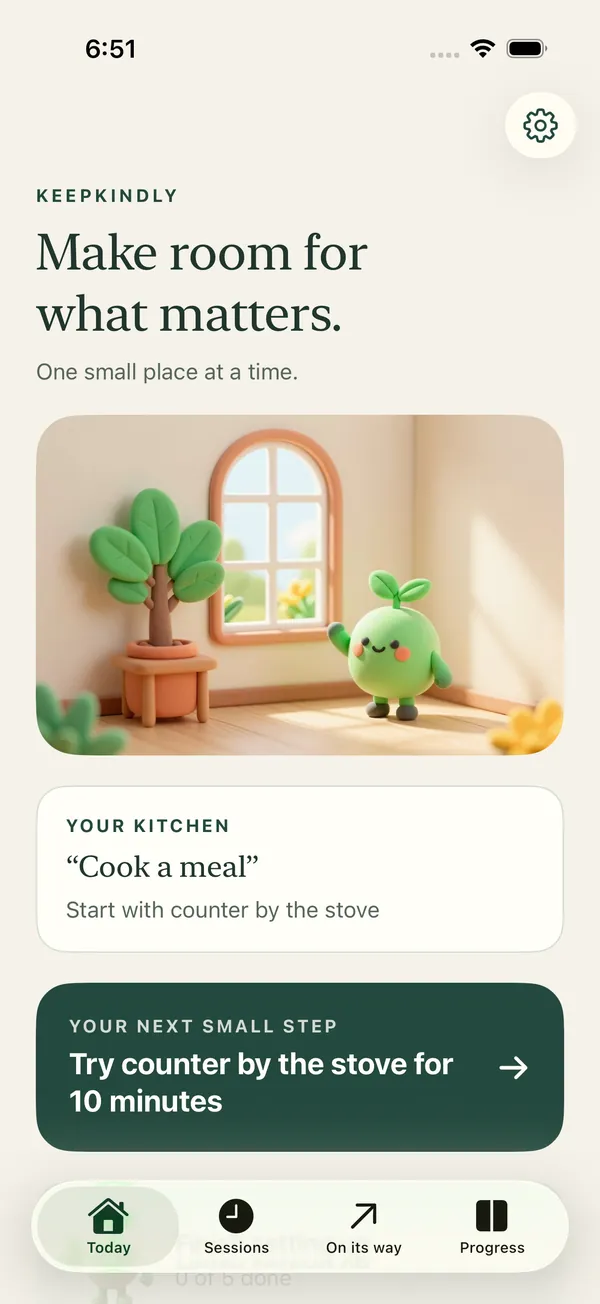
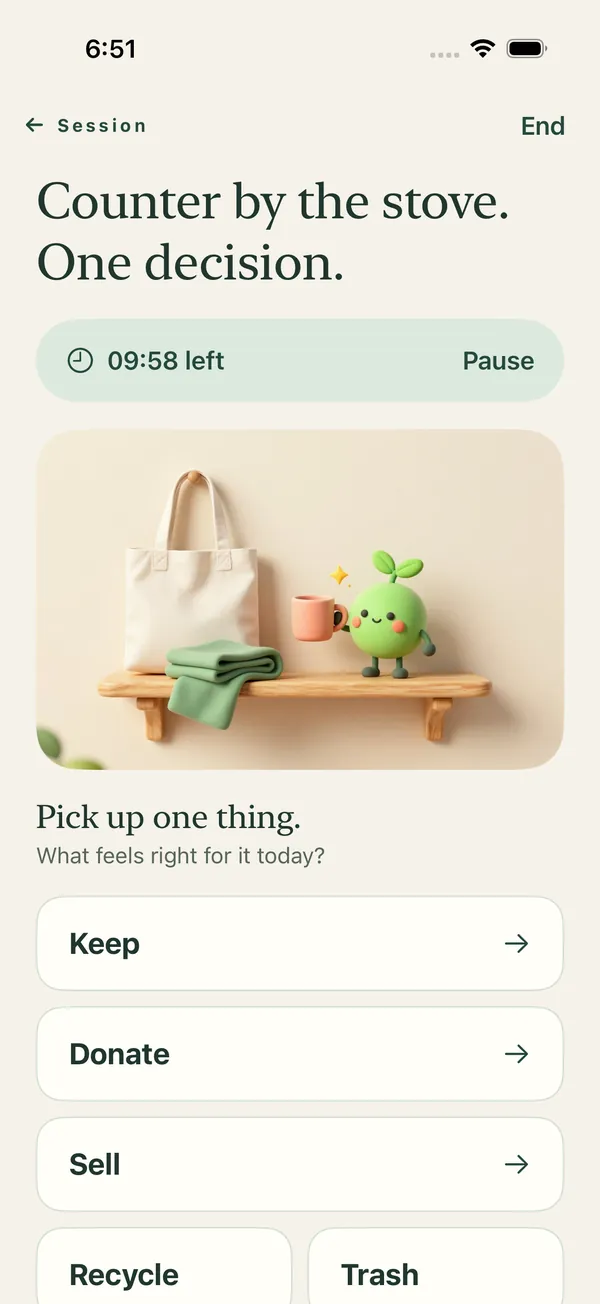
Pick one small place
A drawer, a shelf, the counter by the stove. Choose 5, 10, 15 or 20 minutes.
- 2
One thing, one decision
Keep, donate, sell, recycle or trash. Keeping something is progress too.
- 3
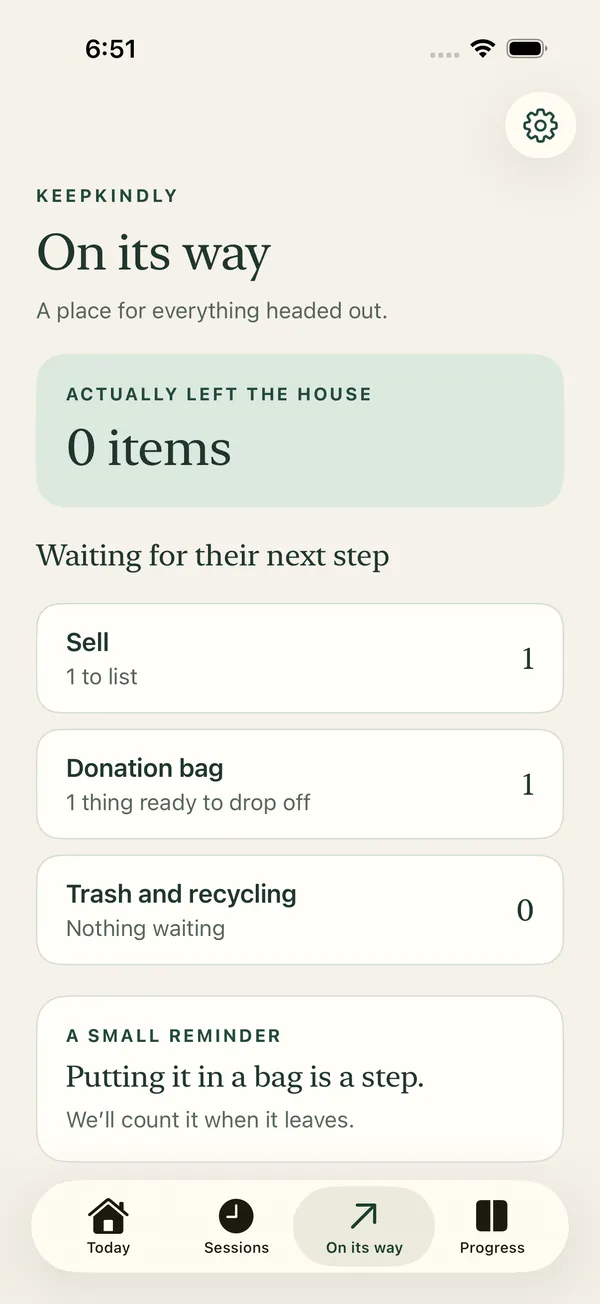
Count what leaves
Your donation bag, Sell list, and trash and recycling wait in On its way until they leave.
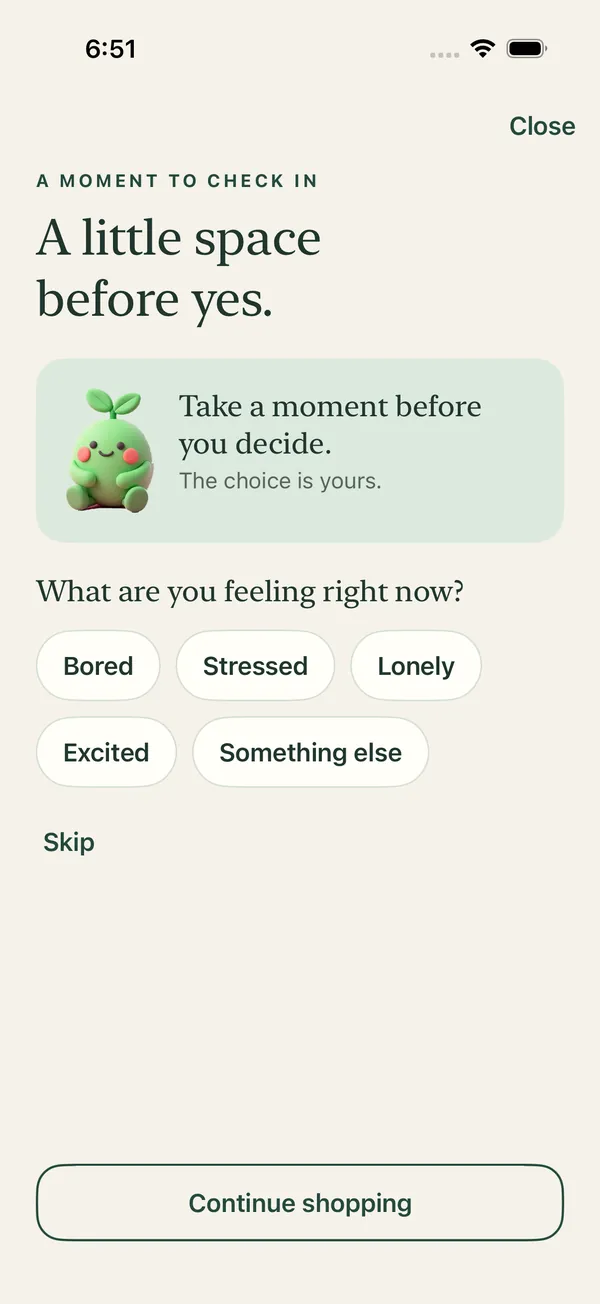
A little space before yes.
Fewer things in means less to sort later.
- A gentle pause screen when a shopping app opens, using Screen Time.
- “Should I get this?” right from the share sheet, Action button or Control Center.
- A wait list for things you still want in 48 hours.
- You can always continue.
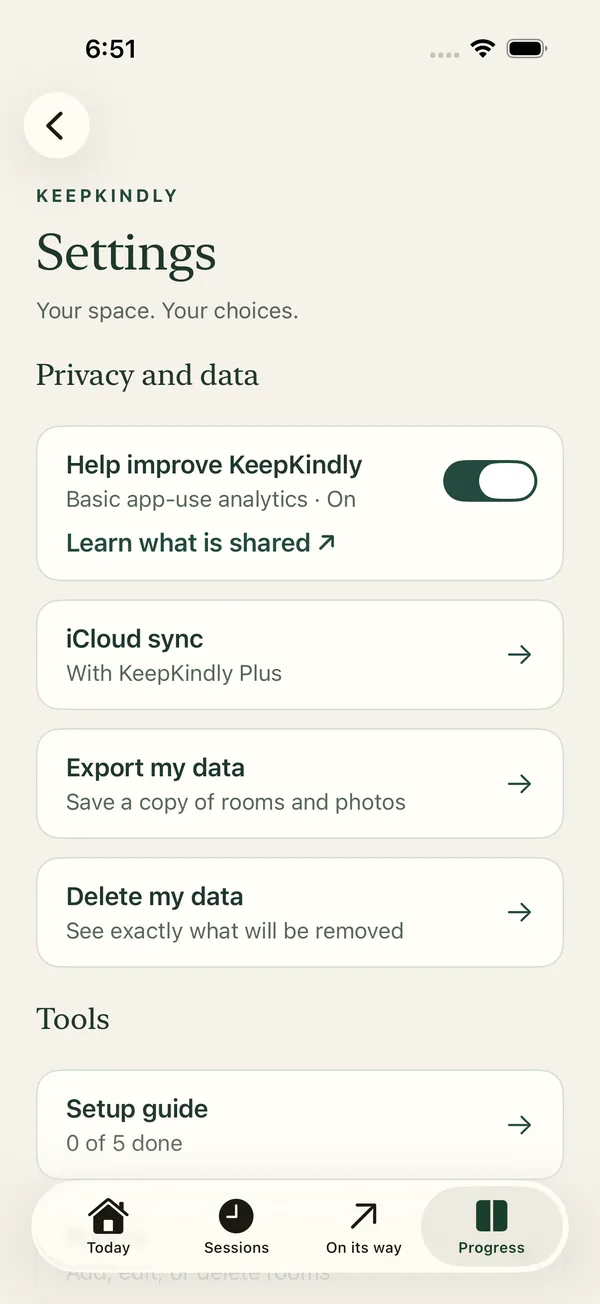
Your home stays yours.
- No account. Your data stays on your iPhone unless you turn on iCloud sync.
- No ads, and nothing about your home is sold or shared.
- App-use analytics turn off with one switch.
- Export or delete your data any time.
- Optional iCloud sync keeps your data up to date across your iPhones, with Plus.
Free to use. Plus if you want more.
KeepKindly
Free- Unlimited sessions and decisions
- On its way: donation bag, Sell list, trash and recycling
- Shopping pause and wait list
- One Before photo and one Now photo per room
- Daily reminder you schedule
KeepKindly Plus
$6.99 / monthor $49.99 a year
- A photo history for every room
- Rewards you plan for yourself
- An optional 10-second pause before continuing
- Wallet check-in guide
- iCloud sync across your iPhones
Small steps, explained.
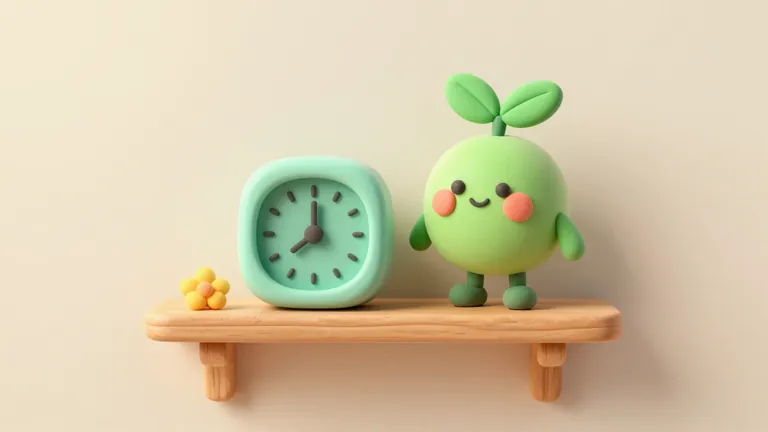
How to Start Decluttering When You Feel Overwhelmed
A calm way to start decluttering when a whole room feels like too much: one shelf, five minutes, and one decision at a time, with permission to stop.
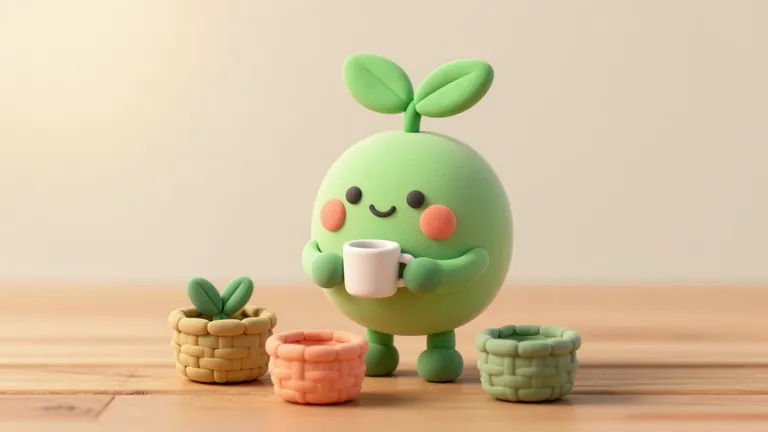
How to Decide What to Keep When Decluttering
A guilt-free way to decide what to keep, donate, sell, or let go one item at a time, including sentimental items, without any decision being the wrong one.
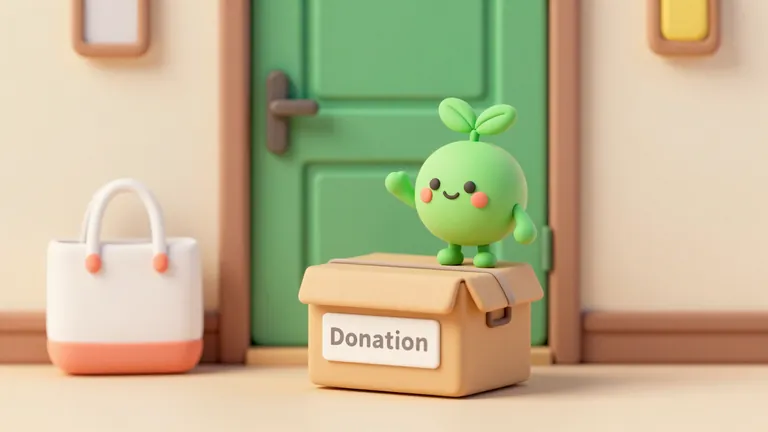
Where to Donate Items After You Declutter
Practical next steps for donating, selling, recycling, and trashing items after a session, and why an item only really counts as gone once it's out the door.
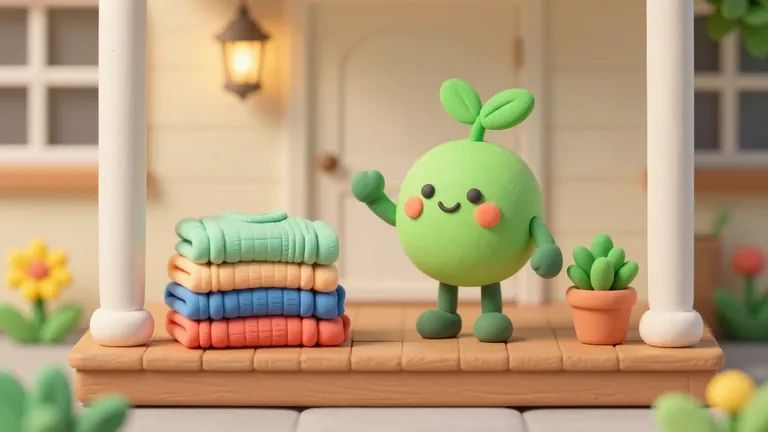
How to Give Things Away and Finally Clear the Donation Pile
Easy ways to give things away to neighbors, friends and local groups, and how to get a donation pile that has sat for weeks out of the house for good.
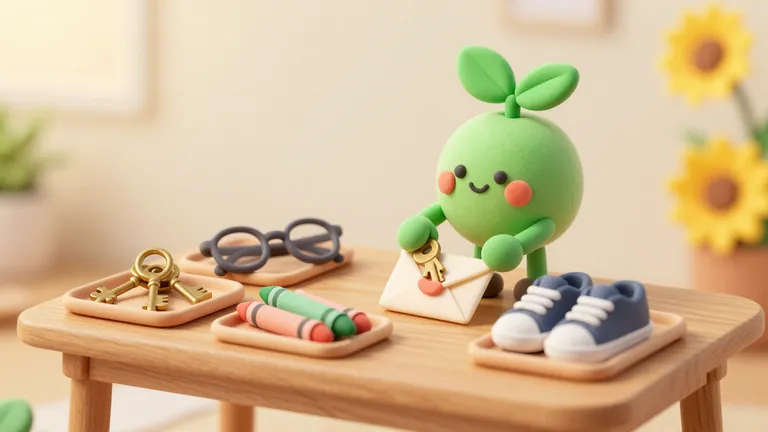
Where to Donate Old Keys, Glasses, Crayons and Other Hard-to-Place Items
Where old keys, eyeglasses, hearing aids, broken crayons, sneakers, bras, prom dresses, towels, trophies and other items thrift stores turn away can go, with programs checked in October 2026.
How to Stop Impulse Buying With a Kinder Pause
A gentle way to stop impulse buying, including free items and good deals, by pausing to notice the feeling, the need, and where it would live.